The need
A backup report needs context: which systems were included, what failed, whether space is running out and what changed since the previous run. Even when a copy exists, it is important to understand what can be restored from it.
What's included
- Mapping data and systems against backup jobs.
- Reviewing reports and job results.
- Diagnosing failures, capacity issues and read or copy errors.
- Assessing whether the backup solution fits the infrastructure.
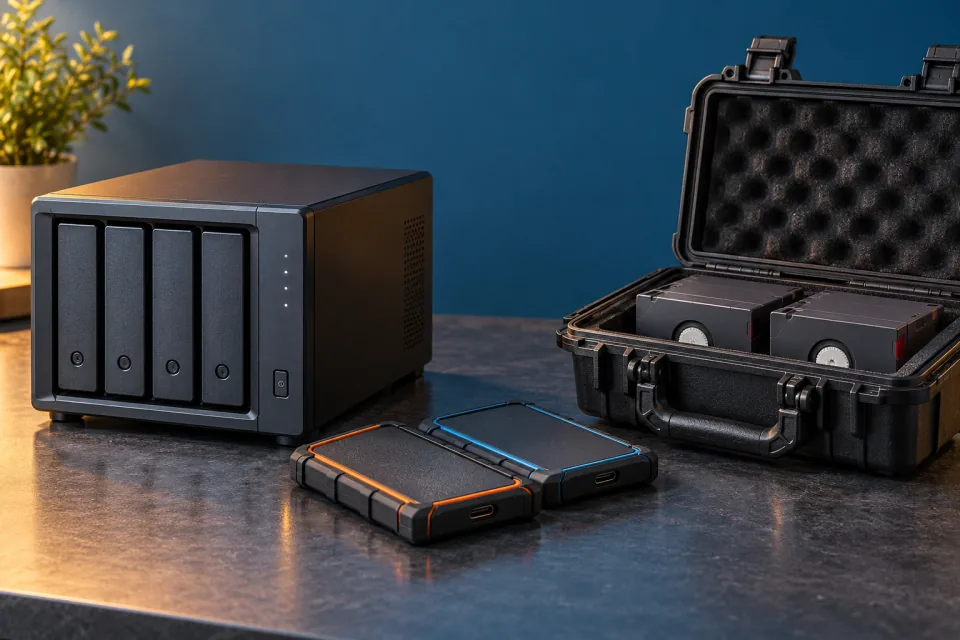
- Working with local backups, cloud backups and separate storage media.
- Hands-on experience with Veeam, Iperius and cloud backup solutions.
- Planning and performing recovery tests within a defined scope.
- Assisting with data extraction and recovery according to the condition of the source and available copies.
How the work is approached
The first step is to identify what needs to be preserved and which copies are available. Job results and gaps are reviewed, and failures are addressed according to their impact on the data.
During recovery, restore points and the condition of the files are assessed. The findings guide the choice between restoring a system, disk or individual files. What was successfully recovered is then documented.
What you receive
A backup inventory, a view of results and failures, documented tests and recommendations for further work. Recovery work also includes a breakdown of the information retrieved and what could not be recovered.
An example of the process
When a full restore is not possible, the next question is whether files can be extracted in a separate environment. Each result is checked and documented, including information that could not be recovered.